The Matter logo is meant to make smart-home buying less of a compatibility puzzle. It signals that a certified product implements an industry standard designed for devices and ecosystems to work together.
That is valuable—but it is not a promise that every feature will appear in every app, or that any old smart-home device becomes a native Matter device. The practical meaning is narrower and more useful.
The short version: a Matter logo is a strong starting point for interoperability. You still need to check the device type, network technology, controller, advanced features, and update policy for the exact product you plan to buy.
What Matter is designed to do
Matter is an Internet Protocol–based connectivity standard developed through the Connectivity Standards Alliance. The Alliance describes four central goals: simplicity, interoperability, reliability, and security.
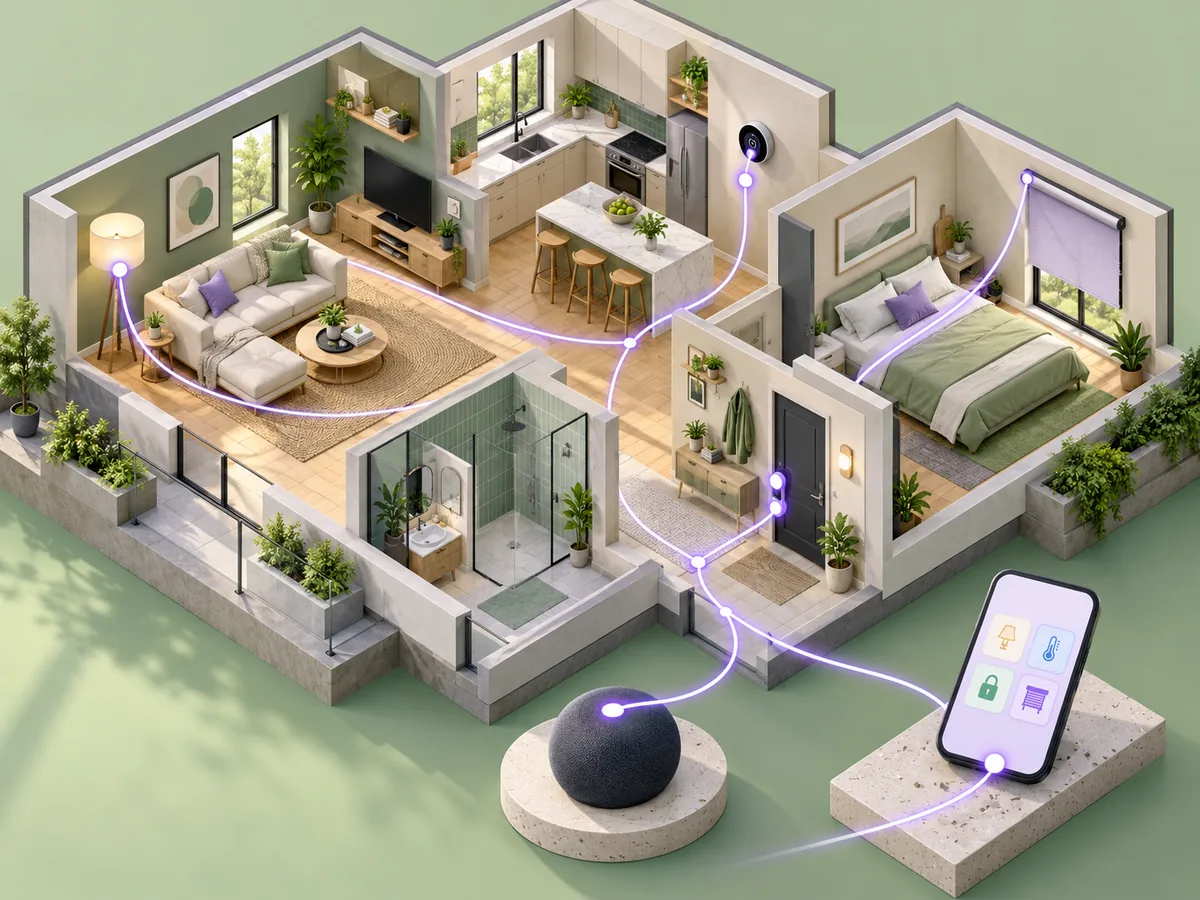
In plain language, a supported device category gets a common way to join a compatible home, expose defined functions, and communicate across participating ecosystems. That can reduce the need to buy every device from one brand.
Matter works over supported IP networking technologies such as Wi-Fi, Thread, and Ethernet. Bluetooth Low Energy is commonly involved during setup. Those technologies do different jobs; Matter is the application standard devices use on top of the network.
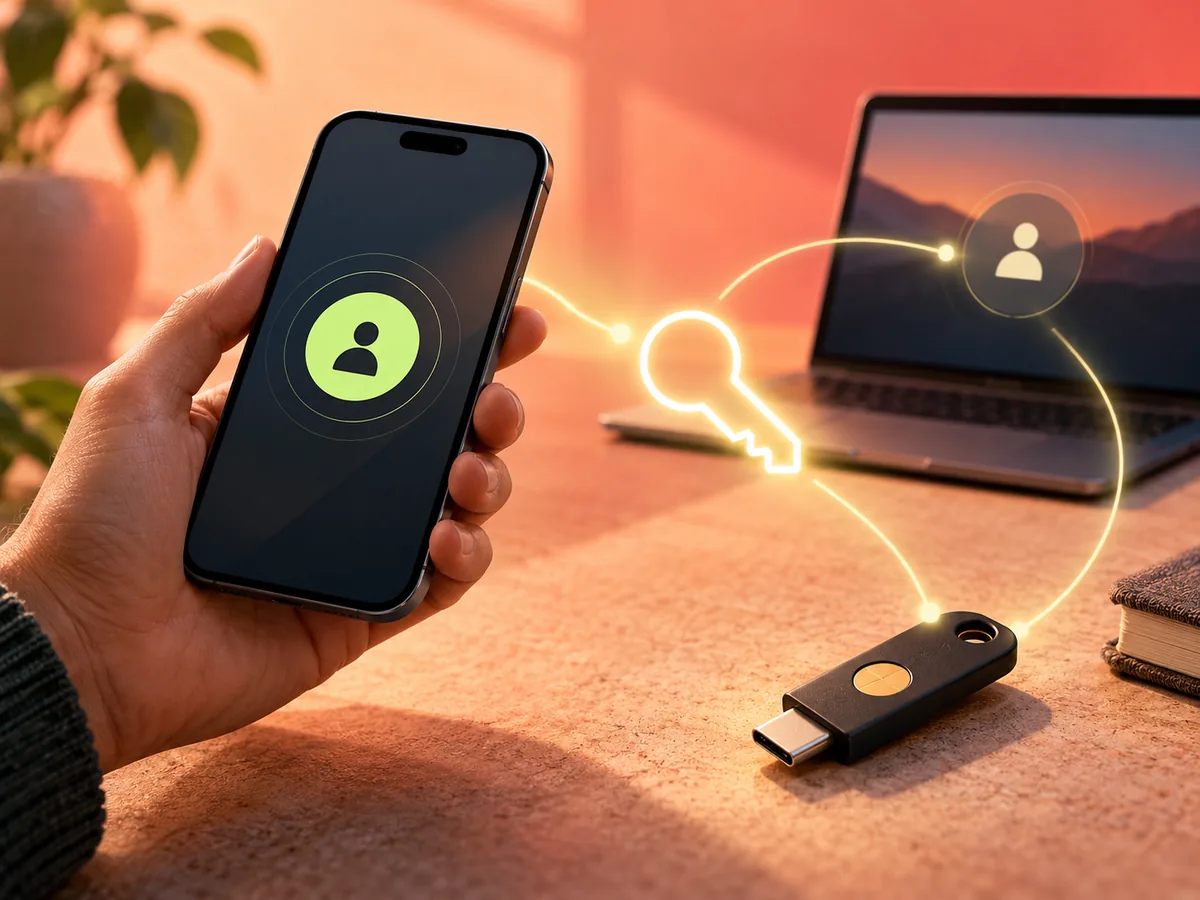
The Alliance describes multi-admin as a core feature. It lets a user commission the same Matter device into more than one compatible platform. In practice, that can mean controlling a light or lock from two household ecosystems without routing every command through the manufacturer’s cloud. Whether every advanced feature appears in both platforms remains a separate question.
Controller, bridge, and Thread border router are different
Smart-home product pages often use these terms loosely, but they are not interchangeable.
- A Matter controller commissions devices and represents an ecosystem or app that controls them. It may be built into a hub, speaker, display, phone, or other product.
- A Thread border router connects a Thread mesh to the home’s IP network. A Matter-over-Thread device needs access to one, but not every Matter controller includes one.
- A Matter bridge represents compatible devices that use another protocol, such as Zigbee, inside a Matter ecosystem. The bridge decides which device types and features it exposes.
One box can perform more than one of these roles. Do not assume it does. Check the manufacturer’s current documentation for the exact model and software version.
What the logo does not guarantee
First, Matter does not mean every smart-home feature is standardized. A device may expose its common functions through Matter while keeping specialized features—energy charts, dynamic lighting scenes, camera history, calibration, or firmware controls—in the manufacturer’s app.
Second, Matter does not erase hardware requirements. A Thread device generally needs an appropriate Thread border router. A controller or hub may be needed for the ecosystem you choose. The exact setup depends on the product and platform.
Third, Matter and Zigbee are not the same protocol. The Alliance’s FAQ notes that there is no native interoperability between Matter and Zigbee devices. A bridge may expose some existing devices into a Matter environment, but the bridge’s documented support determines what comes through.
Finally, certification is not a lifetime warranty for software quality, cloud service availability, or every cross-platform combination. It is evidence of conformance to the applicable certification program—not proof that all products deliver an identical experience.
The Matter standard continues to add device types and capabilities. A product implements a particular set of capabilities at a particular time; a logo on the package does not promise that the hardware will receive every later feature.
What security means here
The Matter design includes device identity, encrypted communications, and access-control mechanisms. The Alliance says certified devices use device attestation certificates to help verify that a device is authentic and certified during setup.
Those protections are part of the architecture. They do not remove everyday responsibilities such as updating controllers, protecting the accounts tied to your smart-home ecosystems, securing the local network, and reviewing what data a manufacturer’s app or cloud service collects.
Privacy also extends beyond the local protocol. A light may respond locally while its companion app still connects to an online account. Read the product’s privacy disclosures, not just the logo on the box.
Matter’s local connectivity can improve responsiveness and reduce dependence on a cloud round trip for supported commands. It does not guarantee that a vendor’s entire product experience works offline. Remote access, video storage, voice assistants, notifications, and vendor-specific automations may still depend on internet services.
A compatibility checklist before you buy
Use seven checks for a Matter product:
- Device category: Is this type of device supported by the Matter version implemented by the product?
- Ecosystem: Does the product list the platform or controller you intend to use?
- Network: Does it use Wi-Fi, Thread, or Ethernet, and do you already have the required infrastructure?
- Feature depth: Which functions work through Matter, and which require the maker’s app?
- Bridge requirements: Is it a native Matter device, or does it rely on a manufacturer’s bridge for support?
- Multi-admin: Can it be shared with every ecosystem your household actually uses, and do those platforms expose the functions you need?
- Update path: Who supplies firmware updates, how long is support promised, and what happens if an optional cloud service changes?
For a Thread product, add one more check: identify the Thread border router you will use. A household can have more than one, but the presence of a smart speaker or hub does not automatically prove that the exact model includes a compatible border router.
How to evaluate an existing smart home
Do not replace working devices merely because they lack a Matter logo. Start with the automations and controls that matter to you. Then check whether your current hub or bridge has a documented Matter update and which device categories it exposes.
A bridge can be a sensible migration path when it keeps existing switches, bulbs, or sensors useful. It can also become a dependency: if the bridge is unplugged or loses support, bridged devices may disappear from the Matter ecosystem even though they still work in the original app.
For a new purchase, native Matter support may reduce future ecosystem lock-in. For an installed system, stability and documented support can be more valuable than replacing hardware solely to obtain a new badge.
Three buying examples
A Thread door sensor: confirm that your chosen platform has a Matter controller and that your home has a Thread border router. Check whether battery status and automations appear in the platform you use.
A bridged Zigbee light: confirm that the specific bridge model and light are included in the maker’s Matter support list. Do not assume every device paired to the bridge is exposed.
A Wi-Fi smart plug: verify the electrical rating as well as Matter compatibility. Matter can standardize control; it does not replace product-safety specifications or determine whether energy monitoring is available in every app.
The better buying question
Instead of asking “Does it have Matter?” ask: Which of this device’s features work through Matter in my chosen ecosystem, and what hardware does that setup require?
The logo can narrow the compatibility risk. The product page and platform documentation finish the job.